Vertical Drama Comparison: What Buyers Should Check
When people search for a vertical drama comparison, they usually want the same thing: a fast way to tell whether an app, platform, or catalog is worth their time. The problem is that most public pages repeat the same promises. They all say some version of free starts, daily drops, good recommendations, and easy bingeing.
That is useful, but not enough.
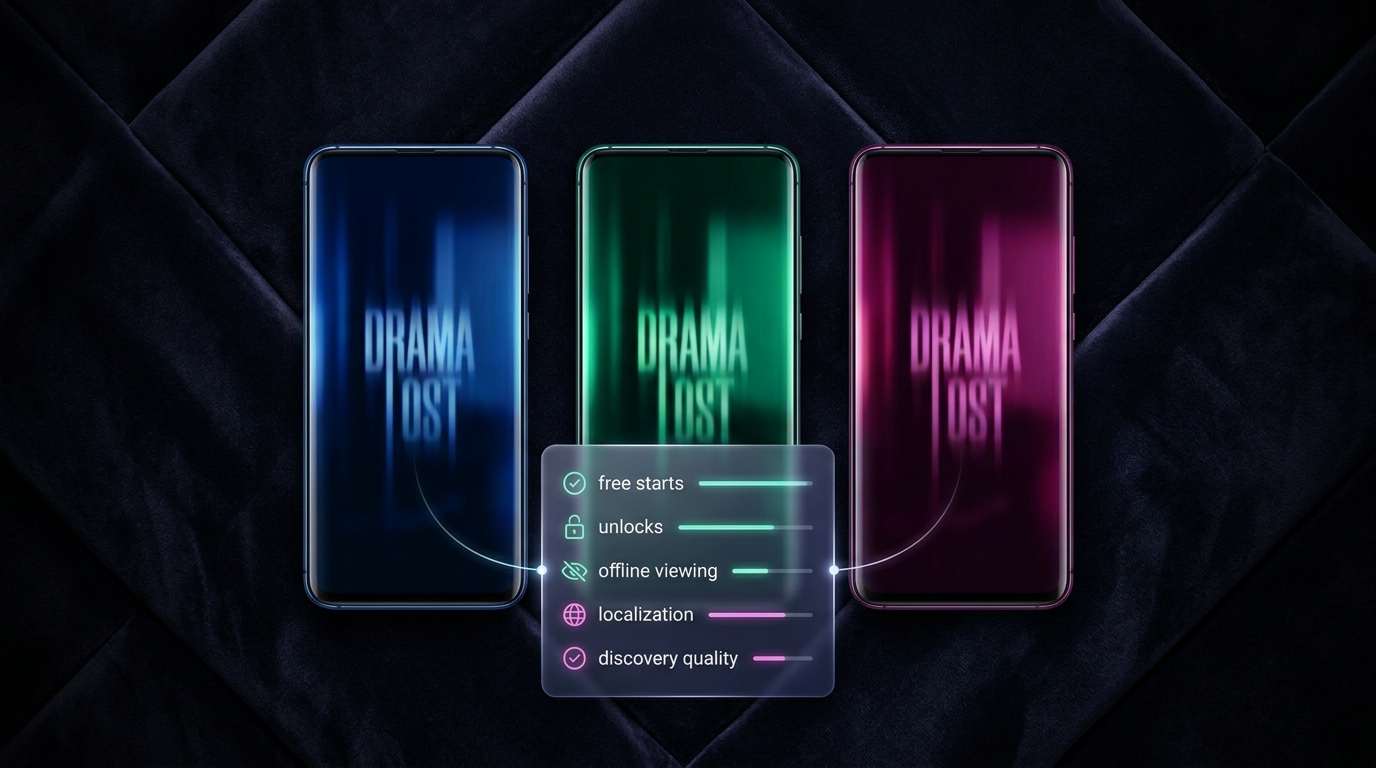
This vertical drama comparison breaks the decision into checks buyers can actually use: how the episodes are packaged, what the unlock boundary looks like, whether the catalog matches the genres they want, how often new content lands, and whether the app works the way they watch.
I am not trying to rank every vertical drama app on earth. I am trying to make the comparison legible.
The buyer checklist
| Check | What good looks like | What to watch for |
|---|---|---|
| Episode format | Clear episode length, season length, and story cadence | Vague format promises that do not tell you how long a binge actually is |
| Unlock model | You can see where free ends and paid begins | Hidden paywalls, unclear token systems, or confusing subscription terms |
| Catalog fit | The app actually has the tropes you want | A large library that misses your preferred genre lane |
| Freshness | New episodes or new series land on a predictable cadence | “New” labels with no real update rhythm |
| Discovery | Search, rails, and recommendations help you find the next watch | A crowded home screen with no meaningful sorting |
| Device support | Offline viewing, sync, and mobile playback work cleanly | No download path, bad resume behavior, or weak cross-device continuity |
| Localization | Languages, subtitles, and market fit are visible up front | You have to guess whether the app is usable in your language |
| Trust signals | Ratings, age rating, terms, and support are easy to inspect | Missing policy detail, unclear billing terms, or no clear app-store footprint |
What the current market pages actually emphasize
In live search sampling, the results skew toward app listings and broad explainers rather than a buyer checklist. That is why this article focuses on comparison criteria instead of another “best of” list.
Current public pages for Nuvelle, ReelShort, and DramaBox surface different signals:
| App | Public signals buyers can inspect | Why it matters |
|---|---|---|
| Nuvelle | Free unlocks, 1 min episodes, offline downloads, daily new episode drops, 1,000+ series streaming now, multiple languages on the live homepage | Shows the basic viewing promise, not just the genre pitch |
| ReelShort | Free with in-app purchases, weekly subscription terms, 468K ratings, 4.7 rating, 13+ age rating, English + 21 more, one-minute episodes, daily additions | Surfaces billing shape, audience gate, and app-store credibility |
| DramaBox | Free with in-app purchases, 820K ratings, 4.8 rating, 18+ age rating, English + 15 more, ad-free streaming, personalized recommendations, playlists | Makes the watch model and discovery model visible before install |
This is the key lesson from any vertical drama comparison: buyers should compare the product as a viewing system, not just as a title library.
Check 1: Episode format
The first thing to check in any vertical drama comparison is the episode shape.
Some apps are optimized around one-minute chapters. Others behave more like mini-series with longer arcs. That difference matters because it changes how you evaluate the catalog.
If you want quick, serialized hits, short episodes are a feature. If you want a deeper emotional arc, you care more about season length and story density. A good vertical drama app makes that legible early.
Nuvelle’s homepage currently frames the experience around 1-minute episodes and “full seasons that fit in a coffee break.” ReelShort’s App Store page also emphasizes one-minute short movie episodes. That is a strong signal that the format is part of the product promise, not a hidden detail.
Check 2: Unlock boundary
The second check is where the free experience ends.
This is where a lot of buyer frustration starts. A page can look generous on the surface and still make the real watch path hard to understand.
Look for:
- Free episodes shown before sign-up
- A visible unlock boundary
- Clear pricing terms
- A way to tell whether the app uses ads, subscription, or both
Nuvelle’s public homepage says “Free Unlocks.” ReelShort’s App Store listing says “Free · In-App Purchases” and spells out weekly subscription billing. DramaBox’s App Store page also says “Free · In-App Purchases” and describes ad-free streaming.
That does not make one app better than another. It just makes the comparison honest.
Check 3: Catalog fit
A vertical drama comparison is only useful if the catalog matches the buyer’s taste.
This is where genre rails matter. If a platform only looks broad but does not show the actual lanes it serves, buyers have to guess.
Nuvelle’s live homepage currently highlights categories like Hidden Identity, Forbidden Love, Second Chance, and Werewolf. That tells you the product is organized around trope families, not generic drama.
That is exactly what buyers should look for:
- Does the app show the genres you actually watch?
- Does it feel curated, or just large?
- Are the titles specific enough to signal story fit?
If the answer is no, the catalog may be big but still feel wrong.
Check 4: Freshness cadence
Freshness is one of the most important checks in any vertical drama comparison.
If the app is built for binge behavior, buyers need a reason to come back. That usually means daily drops, frequent new series, or at least a visible update cadence.
Nuvelle’s homepage currently says “Daily new episode drops.” ReelShort’s App Store page says new TV mini-series are added daily, and DramaBox says new content is added regularly. The wording is different, but the buyer takeaway is the same: freshness should be visible.
If an app cannot show freshness clearly, it is harder to trust the catalog as a living product.
Check 5: Discovery quality
Discovery is the difference between “I installed it once” and “I keep watching.”
In a strong vertical drama app, the home screen does more than stack posters. It helps you find a next watch fast. That can happen through:
- Genre rails
- Trending rows
- Personalized recommendations
- Top 10 lists
- Search that understands story tropes
DramaBox explicitly mentions personalized recommendations and playlists in its App Store listing. Nuvelle’s homepage shows top titles, trending labels, and a weekly top 10. ReelShort’s home page leans on featured shows and genre tagging.
The buyer question is simple: how much work does the app make you do before you find the next thing?
Check 6: Device support and offline use
This is where a lot of comparison pages stay shallow.
Buyers should check whether the app supports:
- Offline downloads
- Resume behavior
- Cross-device continuity
- Clean mobile playback
Nuvelle currently states that offline downloads are included. That matters because a vertical drama app is often used in the exact moments when connectivity is bad or attention is fragmented.
If you commute, travel, or watch between tasks, offline support is not a bonus feature. It is part of the product fit.
Check 7: Localization
A vertical drama comparison should also ask whether the app is built for the buyer’s language and market.
That means checking:
- Language availability
- Subtitle or audio support
- App-store language signals
- Whether the catalog is actually localized, not just translated in the UI
Nuvelle’s current homepage exposes language options for English, Chinese, Japanese, German, French, Spanish, and Portuguese. ReelShort’s App Store listing says English plus 21 more. DramaBox says English plus 15 more.
That is a meaningful buyer signal. If the language layer is visible, the app is already thinking like a real international product.
For a deeper localization decision, use the separate short drama localization guides rather than forcing this article to do that job.
Check 8: Ratings, age gate, and terms
The last check is trust.
Do not skip the store listing. It tells you things the marketing page often leaves out:
- Age rating
- Rating count
- Billing model
- Supported languages
- Developer identity
- Subscription wording
ReelShort currently shows a 13+ age rating. DramaBox shows 18+. Those are not decorative details. They tell buyers something about content expectations and store presentation.
If you are comparing two vertical drama apps, the store page is part of the product.
A 10-minute comparison method
If you want to compare two or three vertical drama apps quickly, use this sequence:
- Open the home page or store listing.
- Find the episode length and season shape.
- Locate the free boundary.
- Check whether your preferred genre shows up immediately.
- Find the freshness signal.
- Test discovery: can you find something you would actually watch?
- Confirm offline or mobile playback support.
- Check language, age rating, and billing terms.
That takes less than ten minutes and is more reliable than comparing vague marketing copy.
What buyers should conclude
A good vertical drama comparison should not ask, “Which app says the nicest things?”
It should ask:
- Can I tell what I get before I pay?
- Does the catalog match my taste?
- Is the app fresh enough to keep me coming back?
- Can I actually watch the way I live?
- Are the store and language signals good enough to trust?
That is the real buyer test.
If a platform clears those checks, the rest of the pitch matters less. If it does not, the comparison is already over.
For a practical next step, start with Nuvelle’s current homepage rails and compare them against the checklist above.