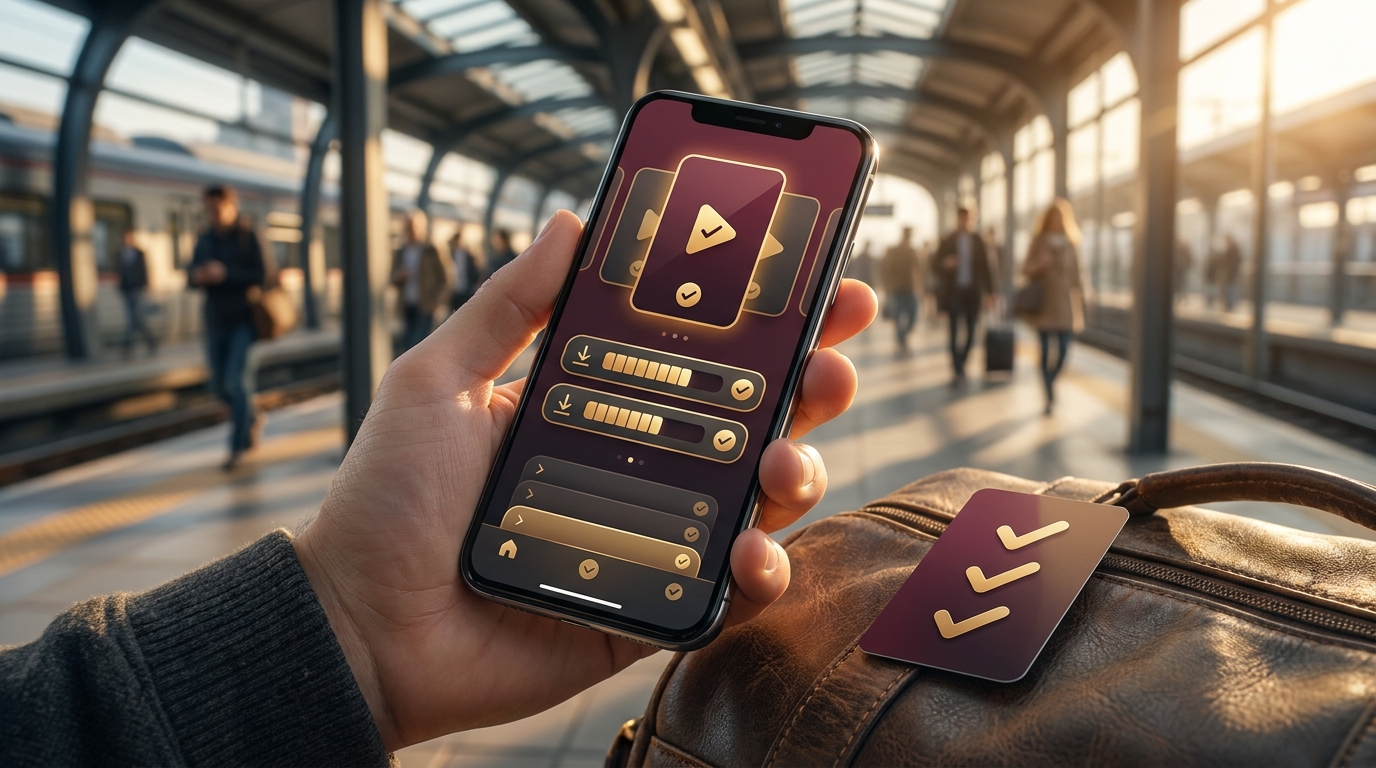
Short drama app offline viewing is only useful if the episodes are ready before you lose signal. That sounds obvious until you are already on the train, the first cliffhanger lands, and episode two is still sitting behind a loading spinner.
A good offline setup is simple: choose a story, download a few short episodes on a reliable connection, confirm they play without Wi-Fi, and make sure your progress will still be easy to find when the ride ends. The goal is not to fill your phone with every title in the app. The goal is to make one commute feel like a clean, satisfying mini-binge.
That is why short drama app offline viewing deserves a quick check before you leave, not after the train doors close.
Use this short drama app offline viewing checklist before your next commute. Then open Nuvelle when you want AI-crafted vertical dramas, 1-2 minute episodes, daily drops, free first episodes, and offline viewing built for phone-first watching.
Why Offline Viewing Matters for Short Dramas
Short dramas are made for the exact moments when connection can be unreliable. A subway ride, a crowded bus, a tunnel-heavy train route, a flight, or a slow waiting room can all break a streaming session if the app depends on perfect signal.
That is why offline viewing matters more for short dramas than it might for a long movie. Each episode is short enough to fit into a small pocket of time, but the story only feels good if the next turn is ready. A billionaire reveal, revenge comeback, hidden-identity shock, or werewolf rejection does not wait politely for your data connection to recover.
Short drama app offline viewing works best when you treat it as a pre-commute habit. Download the next few episodes while you are still on stable Wi-Fi, check the story order, and leave with a small queue you can actually finish.
The point of short drama app offline viewing is control: you decide the story before your route decides the signal.
Short Drama App Offline Viewing Checklist
Use this checklist before relying on any offline viewing drama app for a commute, trip, or low-signal stretch. It turns short drama app offline viewing from a feature claim into something you have actually tested.
| Check | Why it matters | What to do before you leave |
|---|---|---|
| Download availability | Not every app, title, episode, plan, or region handles offline access the same way. | Open the exact series you want and confirm that the episodes you plan to watch can be downloaded. |
| Wi-Fi or mobile data choice | Downloading on mobile data can drain your allowance faster than a normal short browsing session. | Use Wi-Fi when you can, or check your app and phone settings before downloading on cellular data. |
| Storage space | Offline video needs device storage, and a full phone can interrupt downloads. | Clear watched downloads or old files, then make sure the app completes the download before you go. |
| Playback test | A completed download is only useful if it plays when the connection is gone. | Switch briefly to airplane mode or disable Wi-Fi, then open one downloaded episode inside the app. |
| Episode order | Short dramas depend on sequence. Skipping from episode one to episode four can ruin the reveal. | Download the next few episodes in order, especially if you are mid-series. |
| Progress and resume | A commute binge often ends mid-story. You need to know where to continue later. | Pause a downloaded episode, reopen the app, and check whether your place is easy to recover. |
| Captions and audio | Transit can be loud, and some viewers rely on captions for quick episodes. | Check captions, audio volume, earbuds, and any language settings before you are underground or in motion. |
| Download refresh rules | Some offline titles may need occasional online checks or may not stay available forever. | Do not assume downloads are permanent. Reopen the app online before a long trip if the episodes were saved earlier. |
| Battery | Video playback can still use power even when it is offline. | Charge your phone, lower brightness when comfortable, and avoid starting a long route at low battery. |
| Official app source | Offline viewing should happen inside the official app, not through copied installers or third-party download tools. | Start from the app's official site or official store path, and avoid APK mirrors, cracked unlock pages, and downloader tools. |
This is the practical test: short drama app offline viewing should reduce friction, not create a new checklist of problems while you are already commuting.
Build a 10-Minute Pre-Commute Routine
You do not need a complicated system. Ten minutes before you leave is enough for most short-drama sessions.
First, pick one series instead of browsing the whole catalog. A commute is easier when you already know the mood: hidden identity if you want secret power, revenge if you want payback, billionaire romance if you want status tension, werewolf fantasy if you want fated stakes, or second chance if you want a reset.
Second, download a realistic number of episodes. Short episodes make it tempting to save too much, but the better question is how many story beats fit the route. A few 1-2 minute episodes can carry a short subway ride. A longer train ride might justify more.
Third, test one episode offline before you leave. This is the step most viewers skip. If the app cannot open the downloaded episode during a quick airplane-mode test, do not count on it underground.
Fourth, check the continuation path. Make sure episode order is clear, your place is saved, and you know how to delete watched downloads later. A good short drama app should make the next episode easy to find when your connection returns.
When those four steps are done, short drama app offline viewing becomes a commute routine instead of a guess.
What Nuvelle Supports for Offline Viewing
Nuvelle is built for phone-first short drama watching: AI-crafted vertical dramas, 1-2 minute episodes, daily drops, free first episodes, genre shelves, and offline viewing for moments when your connection is unreliable.
For commuters, that combination matters. A Nuvelle episode is short enough for a few stops, while offline downloads help keep the story moving when signal drops. The live Nuvelle site also points viewers toward mobile app access, app-store style availability signals, daily new drops, and offline watching in the app section.
That makes Nuvelle a natural short drama app offline viewing option for viewers who want a few story turns ready before the ride starts.
Start from the official Nuvelle app section rather than copied links from unrelated pages. If you are still choosing what to save before a ride, browse the Nuvelle categories first so your downloads match the mood you actually want.
Nuvelle currently presents 12 binge-ready genres on the live site, including story lanes such as hidden identity, revenge, werewolf fantasy, second chance, sweet romance, forbidden love, and rags to riches. If you want a broader phone-feature comparison, read Nuvelle's guide to mobile drama app features. If you want the general feature checklist, use the guide to short drama app features.
What Not to Assume About Downloads
The safest short drama app offline viewing advice is to avoid assumptions.
Do not assume every title is downloadable. Some apps vary by title, region, app version, account state, or rights window. Check the exact series you want to watch.
Do not assume offline downloads last forever. Apps may require occasional online refreshes, and availability can change. If you saved episodes days ago, open the app online before a long commute or flight.
Do not assume storage is unlimited. Downloaded videos use phone space. Keep your queue small, delete watched episodes, and check whether the app lets you manage downloads clearly.
Do not assume the free-start path and the offline path are the same thing. A short drama app may let you start with free first episodes, while later episodes follow a different unlock path. Read the in-app continuation prompt before you leave.
Do not assume third-party download tools are safer or easier. If an app offers offline viewing, use the in-app download feature and follow the app's terms. Avoid APK mirrors, "free premium" unlock pages, cracked apps, and tools that promise to extract episodes outside the official app.
Good short drama app offline viewing stays inside the official app and keeps the download path clear.
Match Downloads to the Commute
The best offline queue depends on the route. You want enough story to cover dead zones without turning your phone into a storage locker.
Short drama app offline viewing is easiest when the download queue matches the real commute length.
| Commute moment | Best offline setup | Why it works |
|---|---|---|
| Short subway ride | Download the next few episodes in one series. | You get a clean mini-arc without wasting time choosing a title underground. |
| Long train or bus route | Save a fuller run from one series plus one backup first episode. | You can keep binging if the main story lands, but still have a mood switch ready. |
| Flight or long dead zone | Refresh downloads online before leaving and test playback. | You reduce the risk of expired or incomplete downloads when there is no quick fix. |
| Low-battery commute | Download only what you will watch and lower screen brightness when comfortable. | Offline viewing saves connection stress, but video still uses battery. |
| Trying a new app | Download one free first episode and one next episode if available. | You test the story, playback, and continuation flow before committing more time. |
This is also where vertical short dramas fit naturally. A 1-2 minute episode gives you a complete beat between stops: a reveal, a reversal, a kiss, a betrayal, or a cliffhanger. Offline viewing keeps those beats from depending on the train signal.
Official App Sources Still Matter
Offline viewing does not remove the need for basic app safety checks. It can actually make those checks more important because downloads involve your device storage, account, and sometimes payment or unlock settings.
Safe short drama app offline viewing starts with a source you can verify.
For any short drama app, start with the official site or official store listing. Check the app name, developer, permissions, privacy details, recent update signals, and unlock path before entering payment information.
Apple describes the App Store as a place designed for safe app discovery and download, with review, privacy, rating, and purchase signals helping users make decisions. Google describes Play Protect as a protection service that checks apps and devices for harmful behavior. Those systems are useful signals, but they do not replace your own review of the app and its terms.
For Nuvelle, use the official Nuvelle app path. The Nuvelle homepage shows app-store style buttons, but fetched page links do not expose direct outbound App Store or Google Play URLs, so the official app section is the safest public starting point.
FAQ
How does short drama app offline viewing work?
Short drama app offline viewing usually lets you save selected episodes inside the app while you still have a connection. Later, you can watch those saved episodes without relying on active Wi-Fi or mobile signal, as long as the episodes remain available under the app's current rules.
Can I watch short dramas on my commute without using mobile data?
Yes, if the app supports offline downloads and you save the episodes before leaving. Use Wi-Fi when possible, then test playback offline so you know the episodes are ready for the route.
Do offline short drama downloads last forever?
Do not assume they do. Offline access can depend on the app, title, region, account status, rights window, or periodic online checks. Open the app online before a long trip if your downloads were saved earlier.
How many episodes should I download before a commute?
Download only what you realistically expect to watch. For many commutes, a small run of 1-2 minute episodes is enough. The better habit is to save episodes in order and delete watched downloads afterward.
Does Nuvelle offer offline viewing?
Yes. Nuvelle supports offline viewing, so viewers can download episodes for commutes, travel, and low-connectivity moments. Check the app for current download behavior rather than assuming exact storage limits or availability windows.
Is it safe to use third-party tools to download short dramas?
Avoid them. Use official app stores, the app's official site, and in-app download features. Do not use APK mirrors, cracked apps, coin-generator pages, or downloader tools that claim to unlock premium episodes outside the official app.
Start With a Commute-Ready Queue
Short drama app offline viewing should make your commute feel lighter: choose a story, save a few episodes, test playback, and let the cliffhanger carry you to the next stop.
Nuvelle is built for that rhythm with AI-crafted vertical dramas, free first episodes, daily drops, genre-led discovery, and offline viewing for phone-first moments. Open Nuvelle and start with free first episodes, then download your next few chapters before the commute begins.